Hotspot, Call Shop and Cyber Café Software : Product Price List
Click Product Price List from the Settings Menu to change the list of products the user can order from his workstation. Products are grouped into categories.
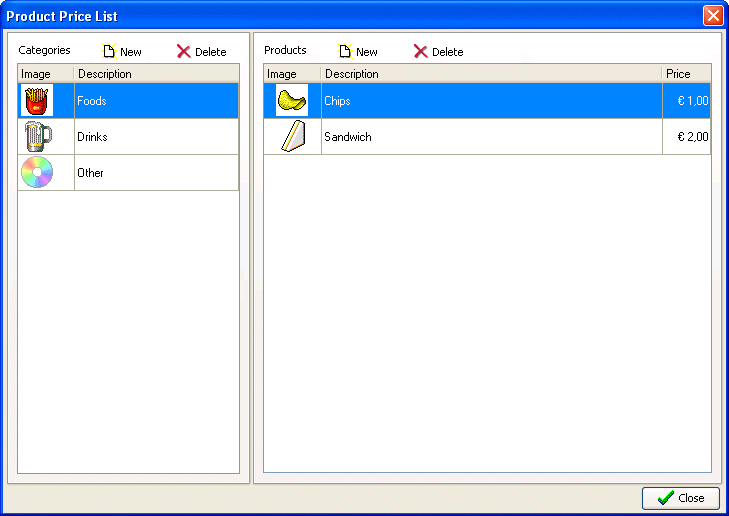
The categories are displayed in the left side of the window and the corresponding products in the category on the right. To add or delete a product from a category, just click "New" or "Delete" in the upper part of the window while, to make changes, double-click on the line of in the category or product table. A name and square picture can be associated to its category while a unit price must also be entered for products.
Softvision - Via Cesare Battisti, 101 - 67051 Avezzano (AQ) ITALY - P.IVA 02081660660 | Privacy Policy - Cookie Policy